Insights from the practice
Practitioner guides, Microsoft update digests, and field notes from real engagements.

Copilot vs ChatGPT vs Claude: Which AI Should Your Business Use?
Copilot vs ChatGPT vs Claude: where each AI wins, why Copilot is the safer pick for business data, and how to choose the right model for each task.
 Storm Anderson
We Replaced DocuSign with KoSign. Vibe coding helped.
See how Kumo replaced DocuSign with KoSign, a custom electronic signature platform built with AI assisted engineering, Dataverse, Azure, and owned workflows.
 Jon Iskow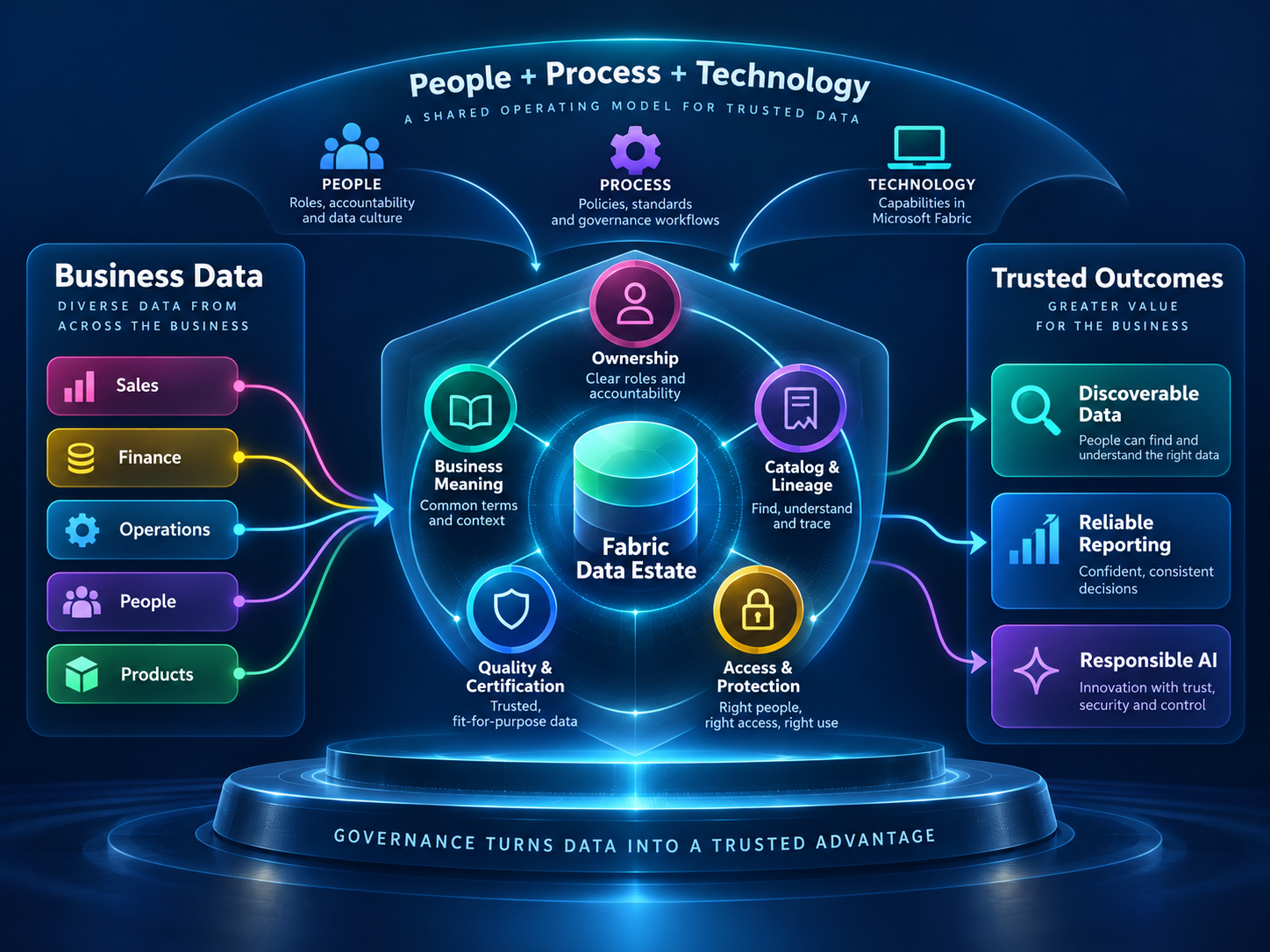
Microsoft Fabric Doesn’t Govern Itself (Unfortunately)
A practical guide to governing Microsoft Fabric with clear ownership, trusted data products, OneLake Catalog, Purview, and business context for AI.
Jon Iskow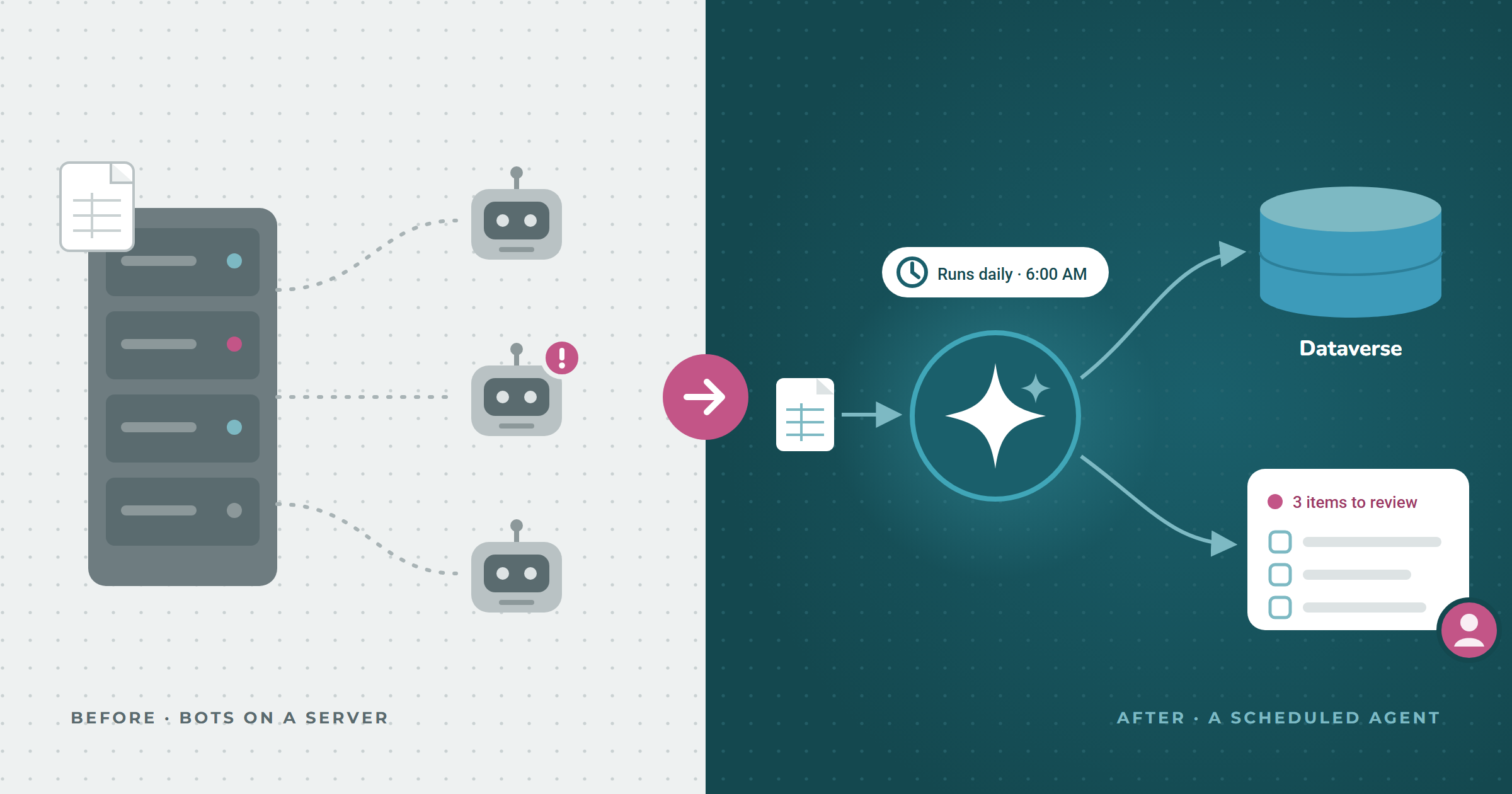
Power Automate vs UiPath in 2026: A Practitioner's Guide to RPA, Agents, and When to Switch
Power Automate vs UiPath in 2026: real cost data (3–4x per bot), Copilot Studio agents, and why migrating off UiPath is cheaper than it used to be.
Storm Anderson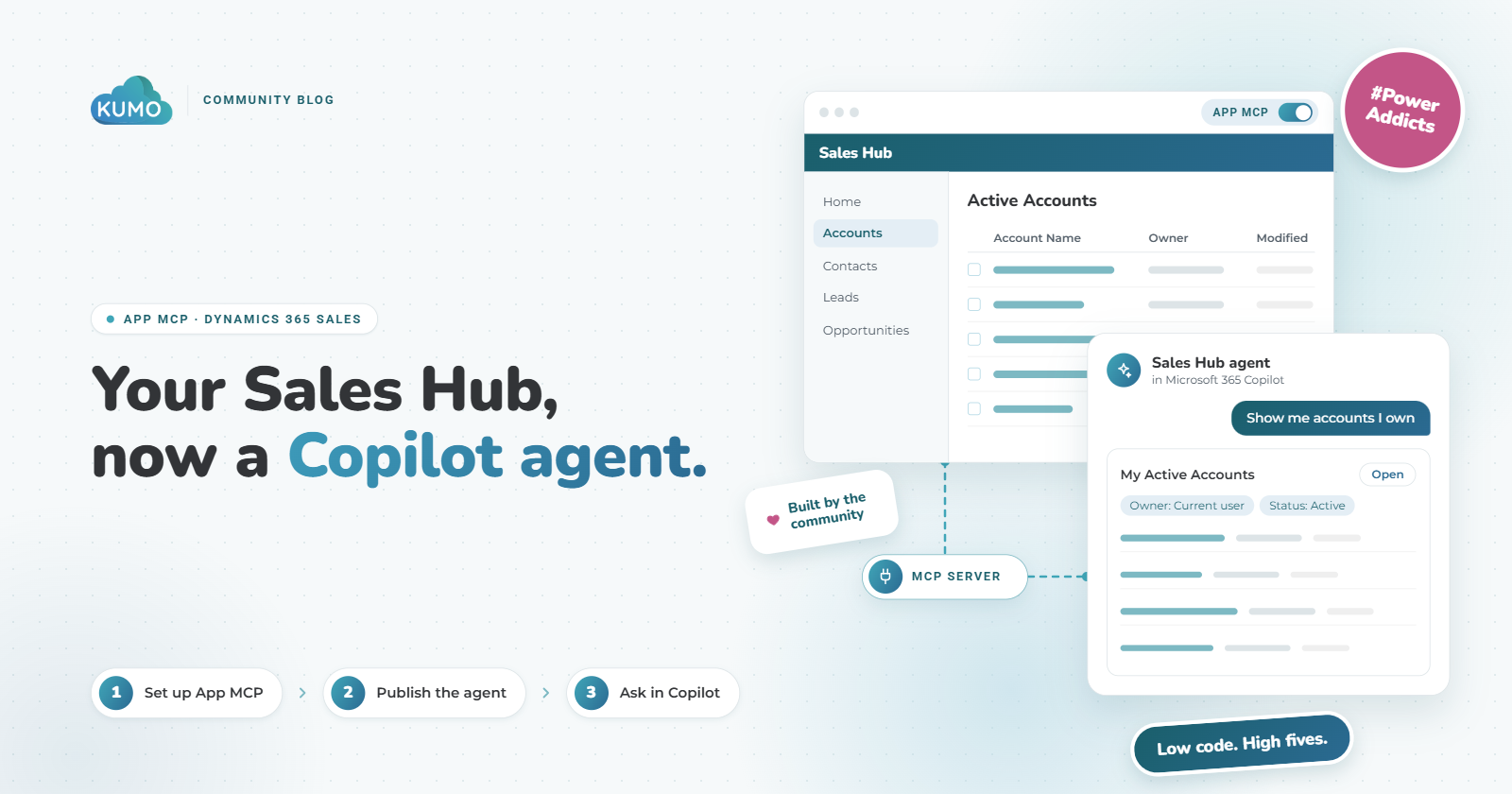
Bring Dynamics 365 Sales Hub Into Microsoft 365 Copilot With App MCP
How to enable the Power Apps App MCP preview on the Dynamics 365 Sales Hub app and deploy it to Microsoft 365 Copilot, step by step with screenshots.
Storm Anderson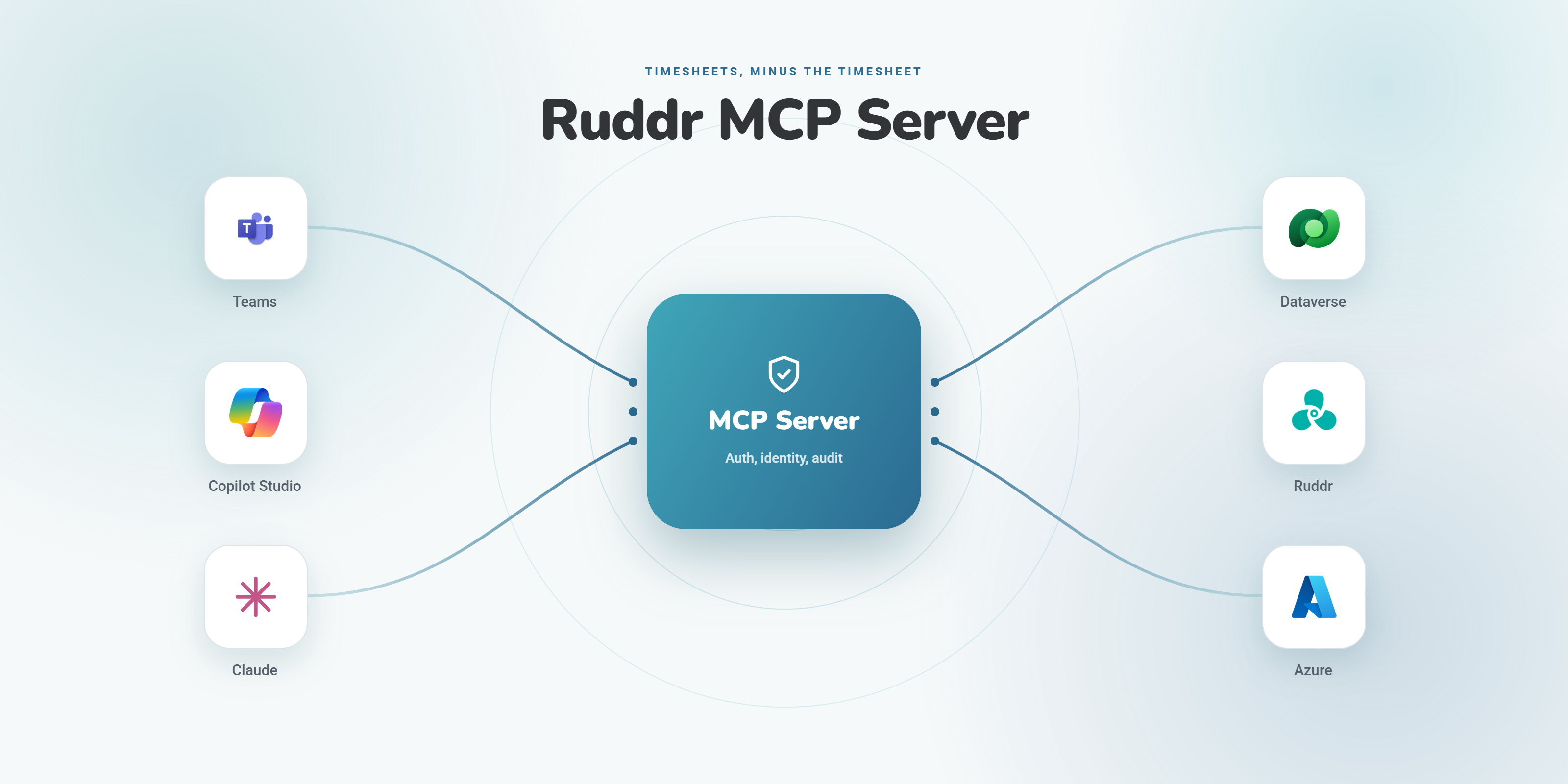
For the Love of Timesheets: Building an AI Agent to Draft Your Time Entries
How we built an AI agent on a custom Ruddr MCP server so professional services teams can draft their timesheets from notes, meetings, and email.
Storm Anderson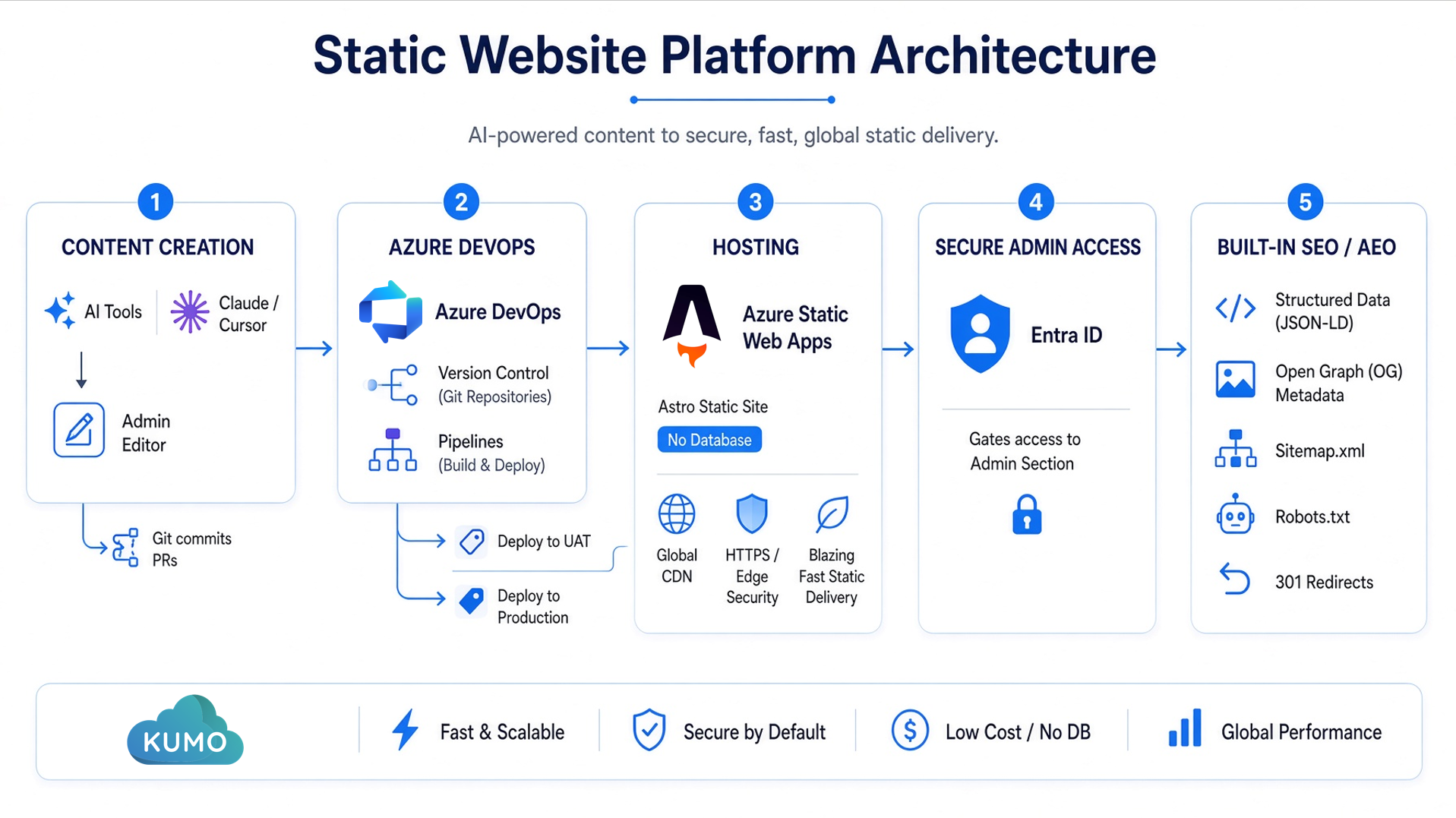
Taking a Rocket Launcher to WordPress: Rebuilding KumoPartners.com with Generative AI
How we replaced WordPress with an Azure static site built through an AI-infused developer workflow, in ~100 hours instead of thousands.
Storm Anderson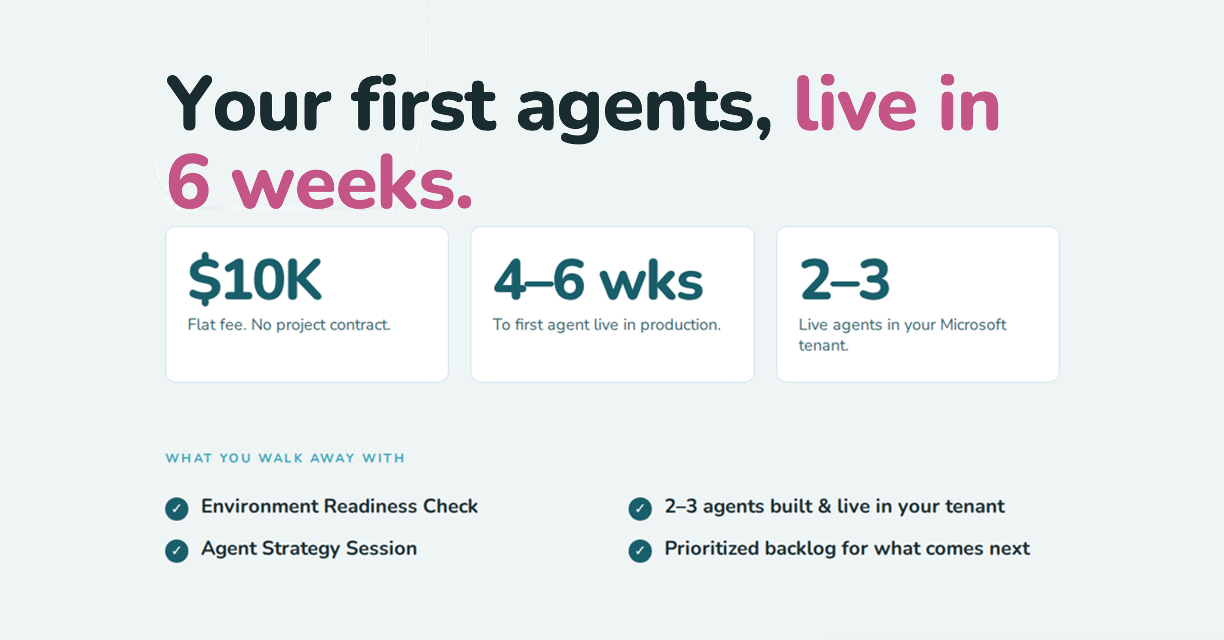
AI Agent Production Readiness: The AgentDesk Pilot, Week by Week
AI agent production readiness in six weeks for $10K flat. AgentDesk delivers two to three live Copilot agents in your Microsoft environment.
Read →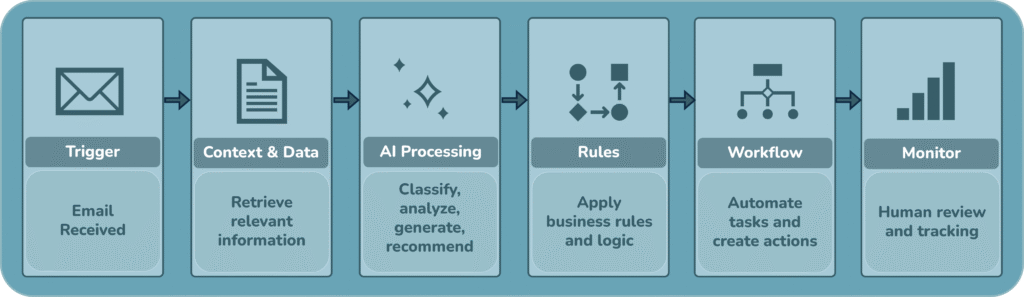
Why I’m More Interested in AI Workflow Design Than Prompt Engineering
Prompt engineering matters, but enterprise AI value comes from workflow design. Learn why connected systems, context, and governance matter more for AI success.
Read →Why Your AI Is Not Moving the Needle
Learn how vibe coding, AI-assisted prototyping, and AI agents can accelerate innovation without creating risk.
Read →The Human Element: Why AI Adoption Breaks After the Pilot
AI adoption is not just a technology rollout. Learn how manager-led reinforcement, shared ownership, and human-centered enablement help teams turn AI tools into
 Lee Weeks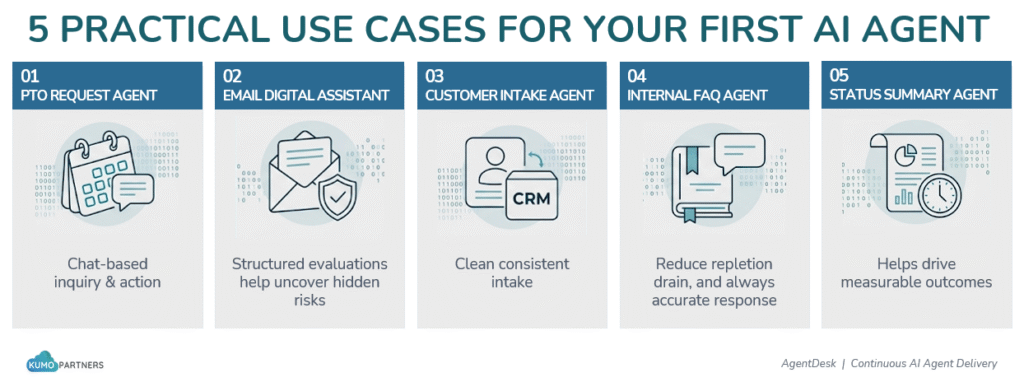
Five Agent Use Cases That Actually Fit Your Environment
Explore five practical AI agent use cases for Microsoft 365, Power Platform, and Dynamics 365, and learn where to start for measurable value.
Storm AndersonCopilot Is Not a Magic Wand: Why Your SharePoint Foundation Matters
Microsoft 365 Copilot depends on the structure, security, and quality of your SharePoint environment. Learn why metadata matters before scaling Copilot adoption
Lee WeeksBuilding the Client Brain: Using Microsoft 365 to Turn Enterprise Data into Useful Intelligence
Learn how a Client Brain in Microsoft 365 helps teams turn scattered project data into trusted insight using Copilot and governance.
Read →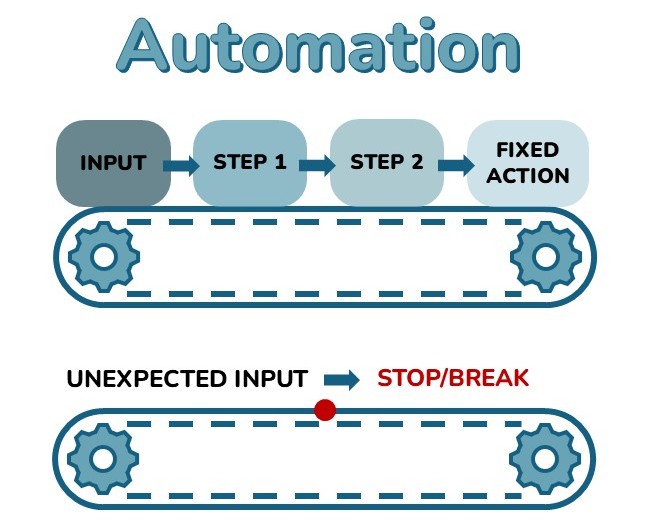
What Is an AI Agent and Why the Distinction Matters
Learn the practical difference between AI agents and automation, and why governance, testing, and ownership matter for agents.
Read →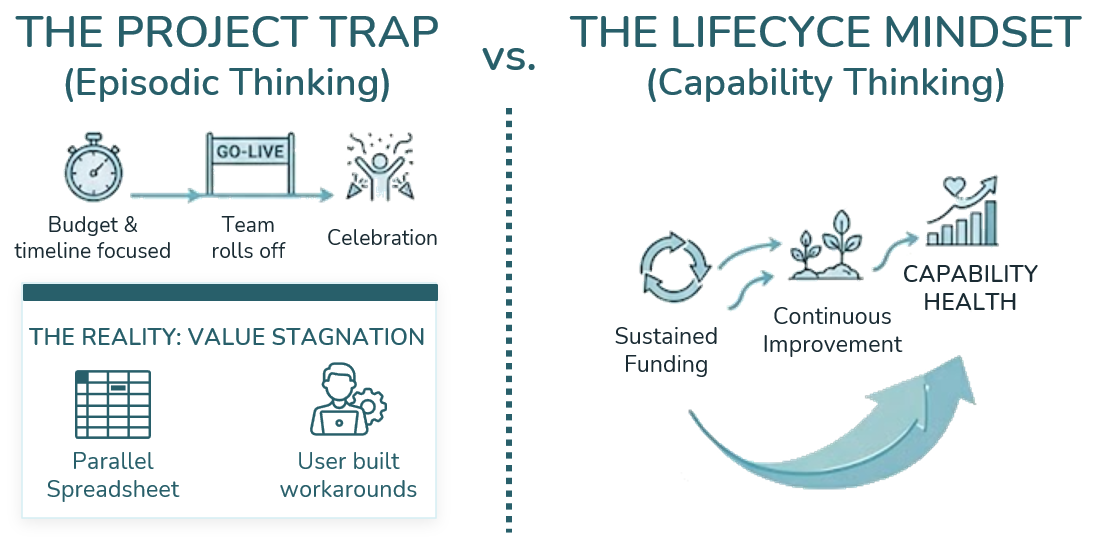
Beyond Project Done: The Lifecycle Mindset for Modern Technology Investments
Modern technology investments do not end at go-live. Learn the keys to long-term value.
Read →
Vibe Coding: How to Build MVPs in Days, Not Months, Safely
Learn how vibe coding, AI-assisted prototyping, and AI agents can accelerate innovation without creating risk.
Read →
Dataverse MCP Servers: Giving AI Agents Practical Power Platform Skills
Explore how Dataverse MCP servers can help AI agents work, using Claude Code, and practical automation.
Read →Beyond the Vibe: Why Your Enterprise AI Isn’t Saving You Money (Yet)
Explore the AI productivity issue and how to move from pilots to measurable outcomes.
Storm Anderson
Building Custom UI with the Power Apps App Agent: A Practitioner's Field Guide
A data-backed guide to building custom UI with the Power Apps app agent. 130 prompts, 8 hours, and the best practices that emerged.
Storm AndersonArchitecting SharePoint AI Agents: A Structural Guide for Enterprise Orchestration
Learn how to deploy and govern SharePoint AI agents. Discover the structural foundation required to turn Microsoft Copilot into a scalable operational acceleran
Read →The Power Platform User’s Quick Guide to Maximizing Dataverse’s Enhanced Duplicate Detection Feature
Clean your records fast. Follow our quick guide to run Dataverse duplicate detection jobs and optimize your Dynamics 365 data quality.
Storm AndersonPower Platform Managed Operations: Base Pipeline Setup (Part 1)
Kickstart your journey with Power Platform Managed Operations. Learn to configure managed environments, pipelines, and solution deployments!
Storm Anderson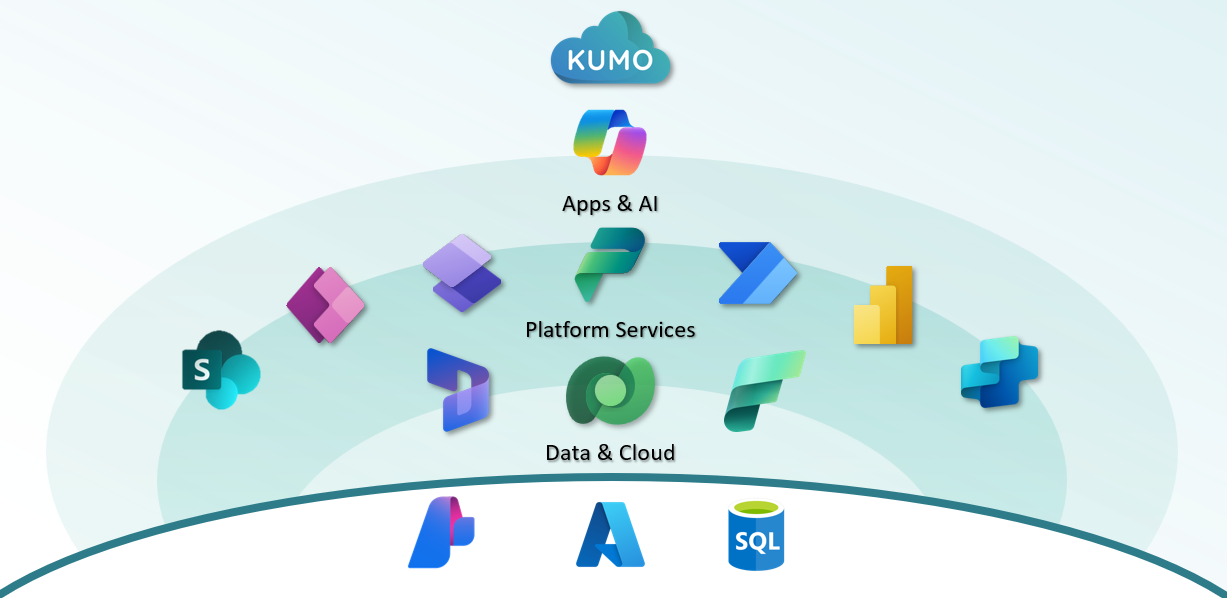
Copilot Envisioning Session
Unlock real value with a Copilot Envisioning Session that maps Microsoft AI tools to your business goals. Book now on Microsoft AppSource.
Read →Copilot Studio vs Azure Foundry vs Built-in Copilots: How to Choose
Learn how to choose the right Microsoft Copilot approach—whether you're using built-in tools, building with low-code, or integrating AI into your apps.
Storm Anderson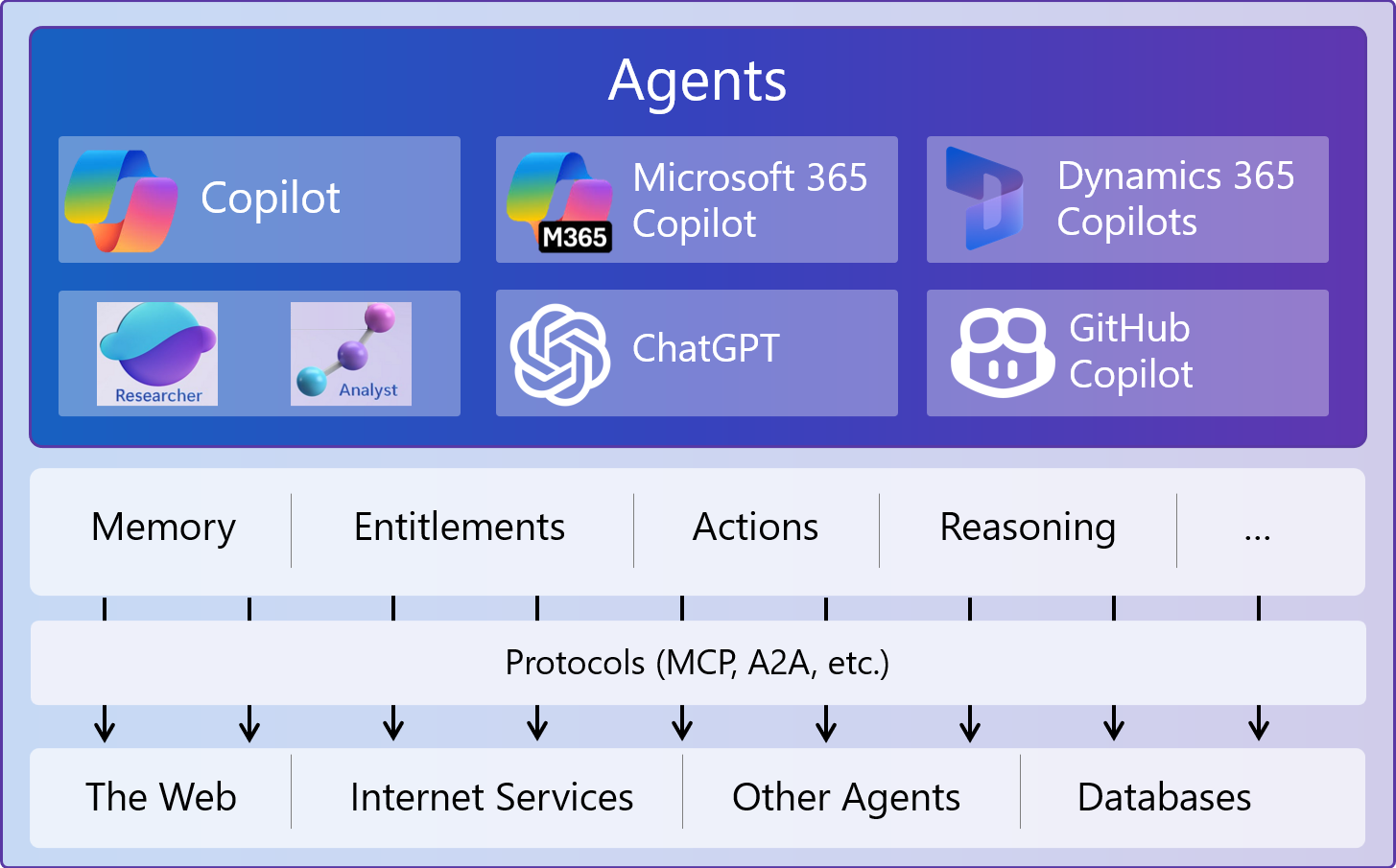
What Microsoft’s Copilot Strategy Means for You
Explore Microsoft Copilot’s latest strategy—Agentic AI, Copilot Studio, and how it’s reshaping AI for business users.
Storm Anderson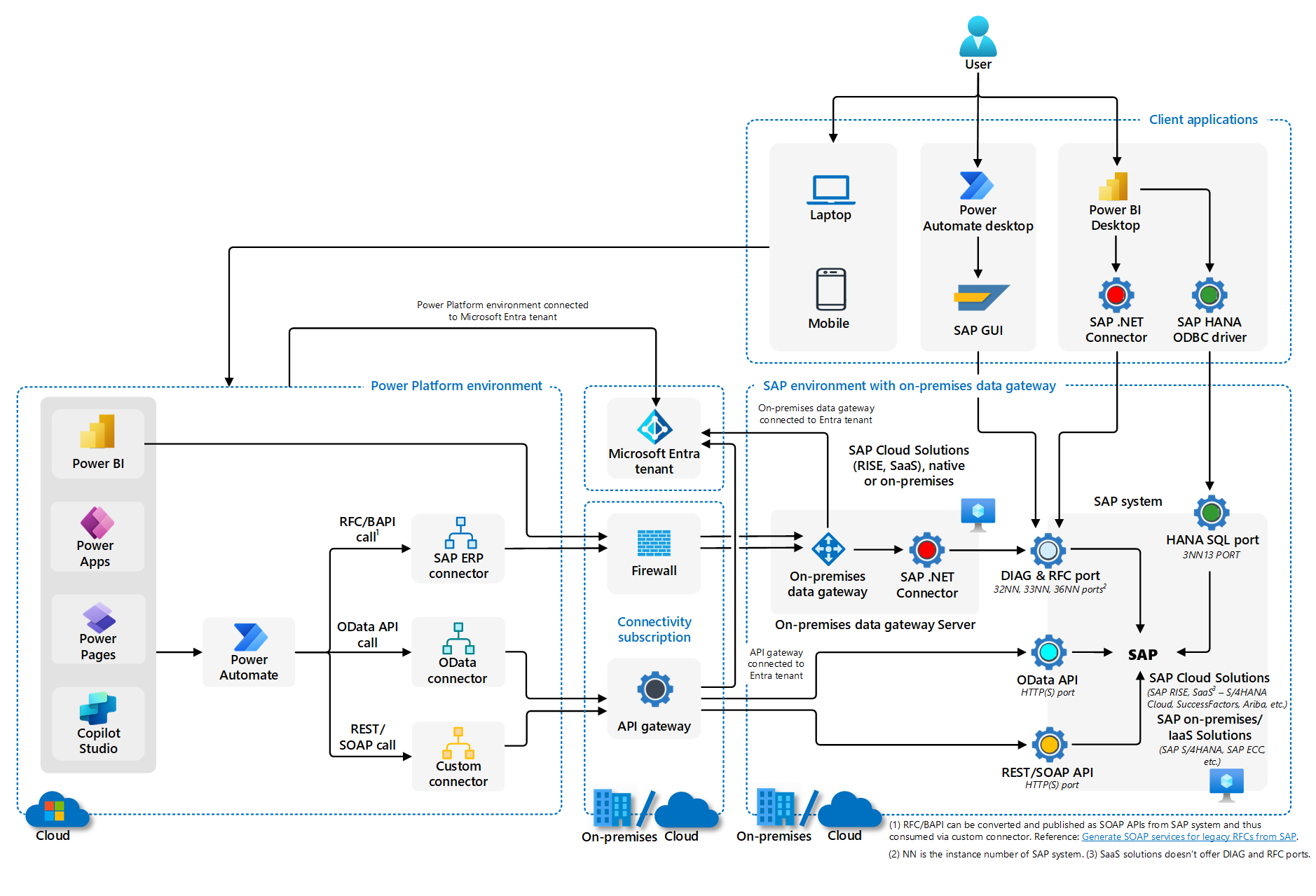
Creating Cross-System Workflows with Power Automate: A Practical Guide
Cross system workflows are automated processes that connect multiple applications, platforms, or services to perform tasks without manual intervention.
Storm Anderson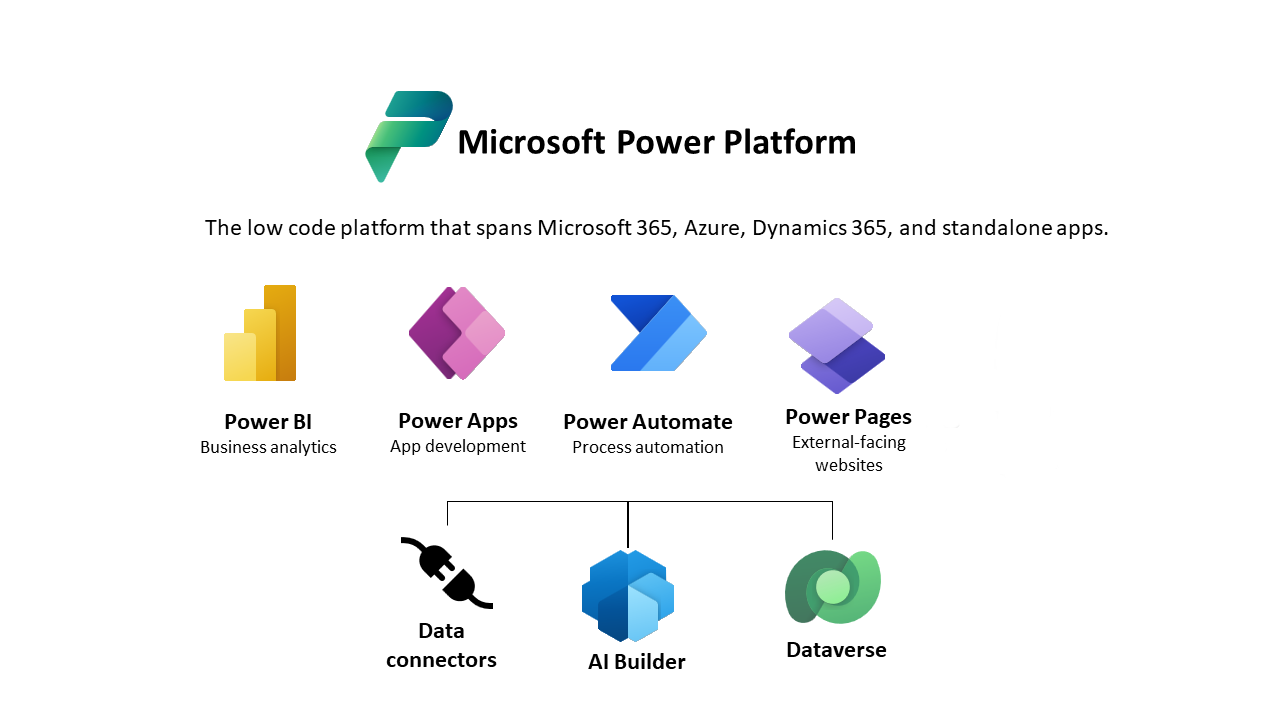
Power Platform is Always Changing—Here’s How to Stay Updated
Microsoft Power Platform brings so much to the table-- but with so much to offer, how do we stay updated on a regular basis?
Read →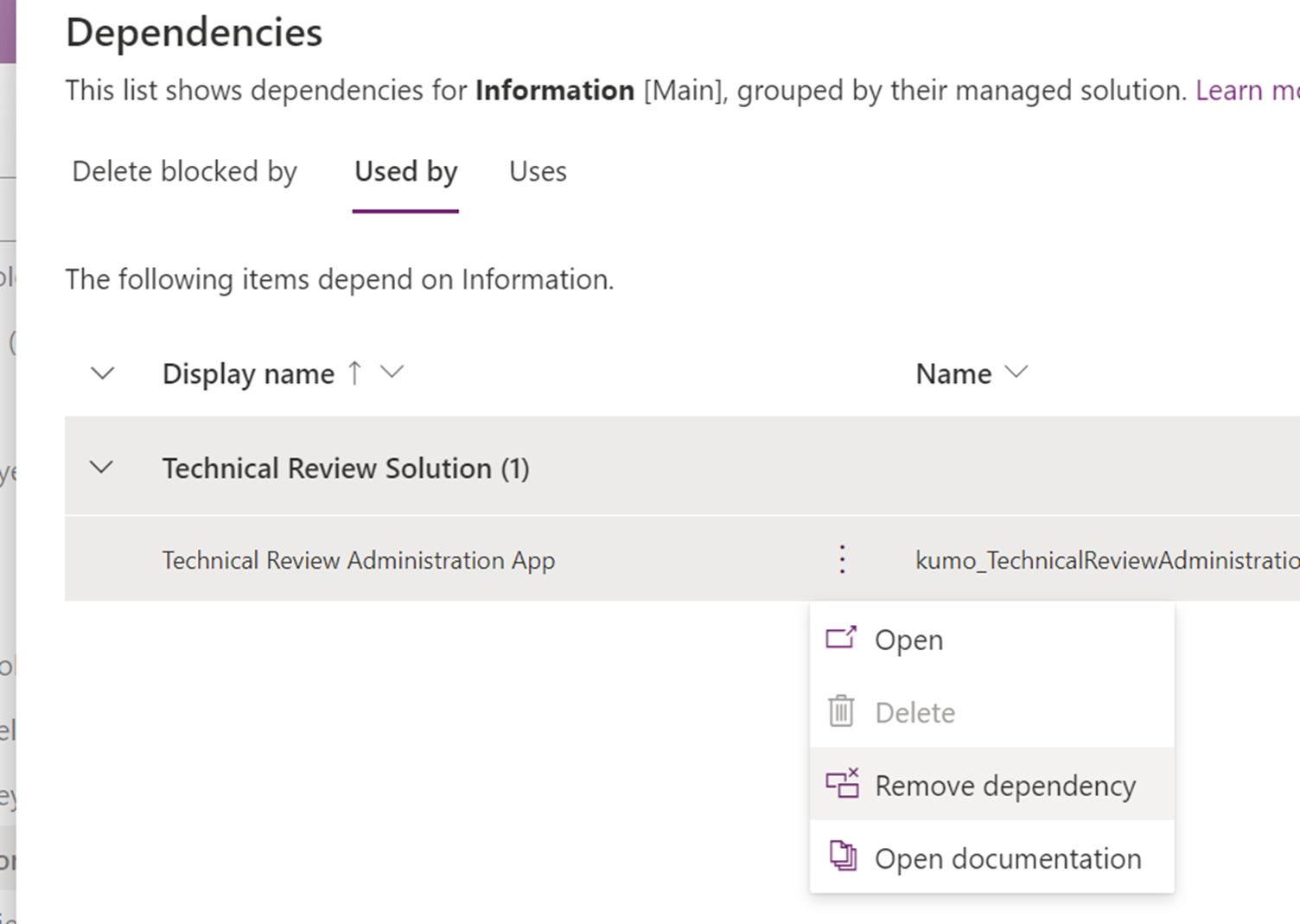
Dataverse Tip: Removing Dependencies for a Smoother Solution Import Process
Resolve Dataverse solution import errors by removing stubborn dependencies with the new 'remove dependency' functionality.
Storm AndersonBait and Switch: Avoiding Phishing Scenarios
Understand how we at Kumo Partners prepare our team for phishing attacks, and get actionable steps for your own organization.
Read →A Fresh Perspective on Power Platform Solutions
Simon Sinek nailed it when he said, “Don’t show up to prove. Show up to improve.” It’s a mantra that resonates deeply, especially in our world
Read →
Creating Insightful Dashboards Using Power BI
Create insightful dashboards using Power BI. Learn steps to design user-friendly, data-driven dashboards that enhance strategic planning.
Read →
How To: Post News Link to SharePoint via Power Automate
Learn how to automate posting news links to SharePoint using Power Automate. Step-by-step guide for efficient information sharing and team updates. No RSS or AP
Read →What is SharePoint Premium?
Welcome to our exploration of SharePoint Premium, Microsoft 365’s latest upgrade to its content management platform. SharePoint Premium is known worldwide
Read →Empowering Non-Profits with Copilot Studio
Non-profits often face unique challenges, from limited resources to fragmented communication. Microsoft Copilot Studio is designed to empower non-profits t
Read →
Part 2 – Dynamically Query Ruddr using Custom Function in Power Query
Explore Kumo Partners' series on integrating Ruddr with Power Platform for enhanced project management efficiency.
Storm Anderson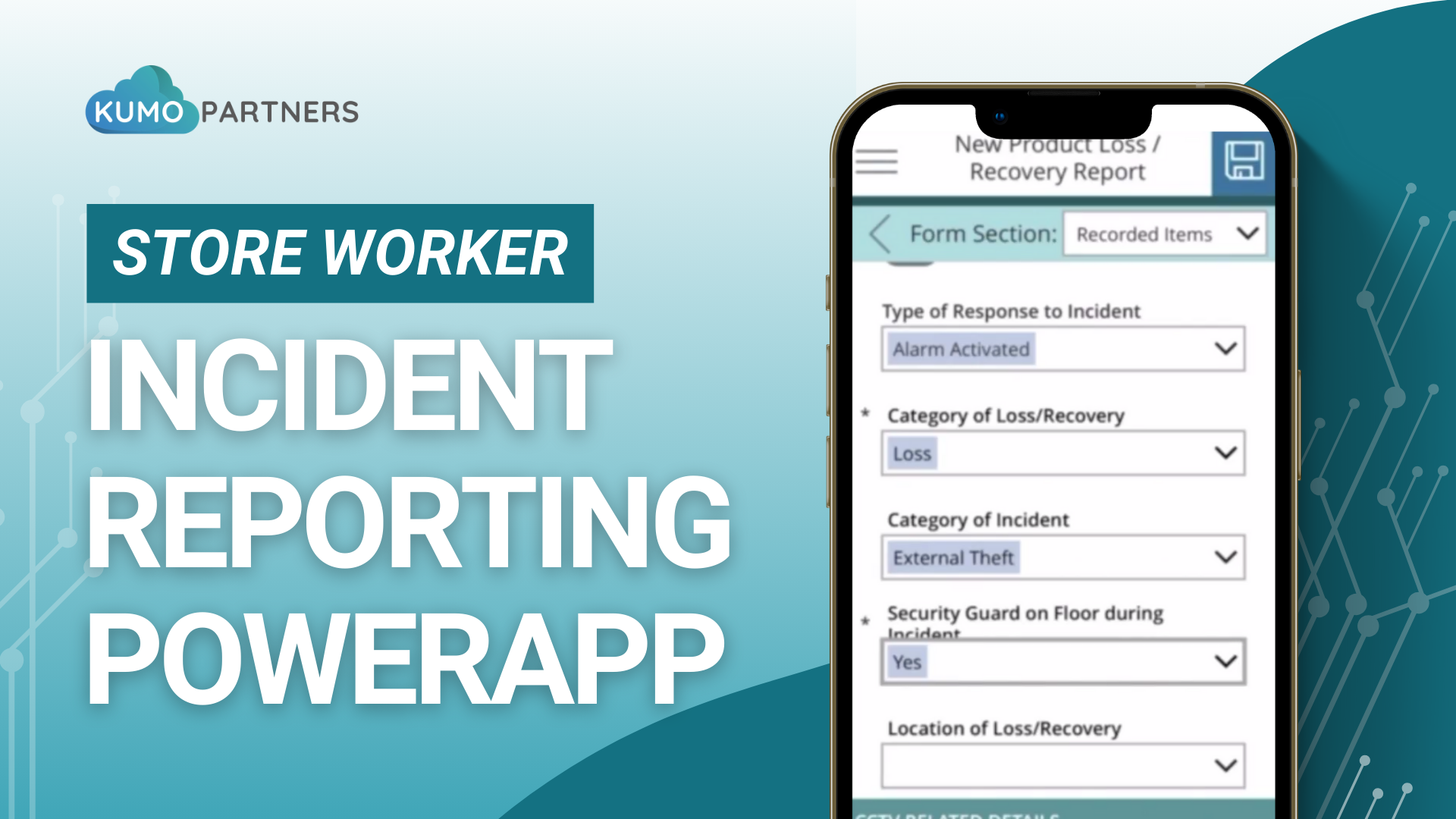
Revolutionizing Incident Management: Unveiling Our Comprehensive Power Platform Solution
Explore Kumo Partners' series introducing our incident reporting solution, built on Power Platform. This post shares our mobile app.
Read →
Expand your Project Management Process with Ruddr and Power Platform
Explore Kumo Partners' series on integrating Ruddr with Power Platform for enhanced project management efficiency.
Storm Anderson
HubSpot CRM vs Dynamics Sales
Explore the differences between HubSpot and Dynamics Sales. This blog post focuses on helping you choose the right CRM for your business.
Read →Simplify the Onboarding Process with Power Automate
Discover how to streamline your employee onboarding process with Microsoft Power Automate. Learn how to create a flexible, efficient workflow tailored to your o
Read →
Requesting Files in SharePoint Online
Elevate your SharePoint Online experience with a game-changing feature we’ve all been waiting for! Now, effortlessly request files from colleagues and wat
Read →
How We Provide “Innovation Acceleration” As A Framework to Our Clients
The Innovation Accelerator is not just a methodology; it's a proven strategy and framework that has been meticulously designed to guide our clients through the
Read →
Microsoft Fabric vs. Power BI: What's the Difference?
Power BI is one workload inside Microsoft Fabric. What each one does, when Power BI alone is enough, when you need Fabric capacity, and how licensing differs.
Read →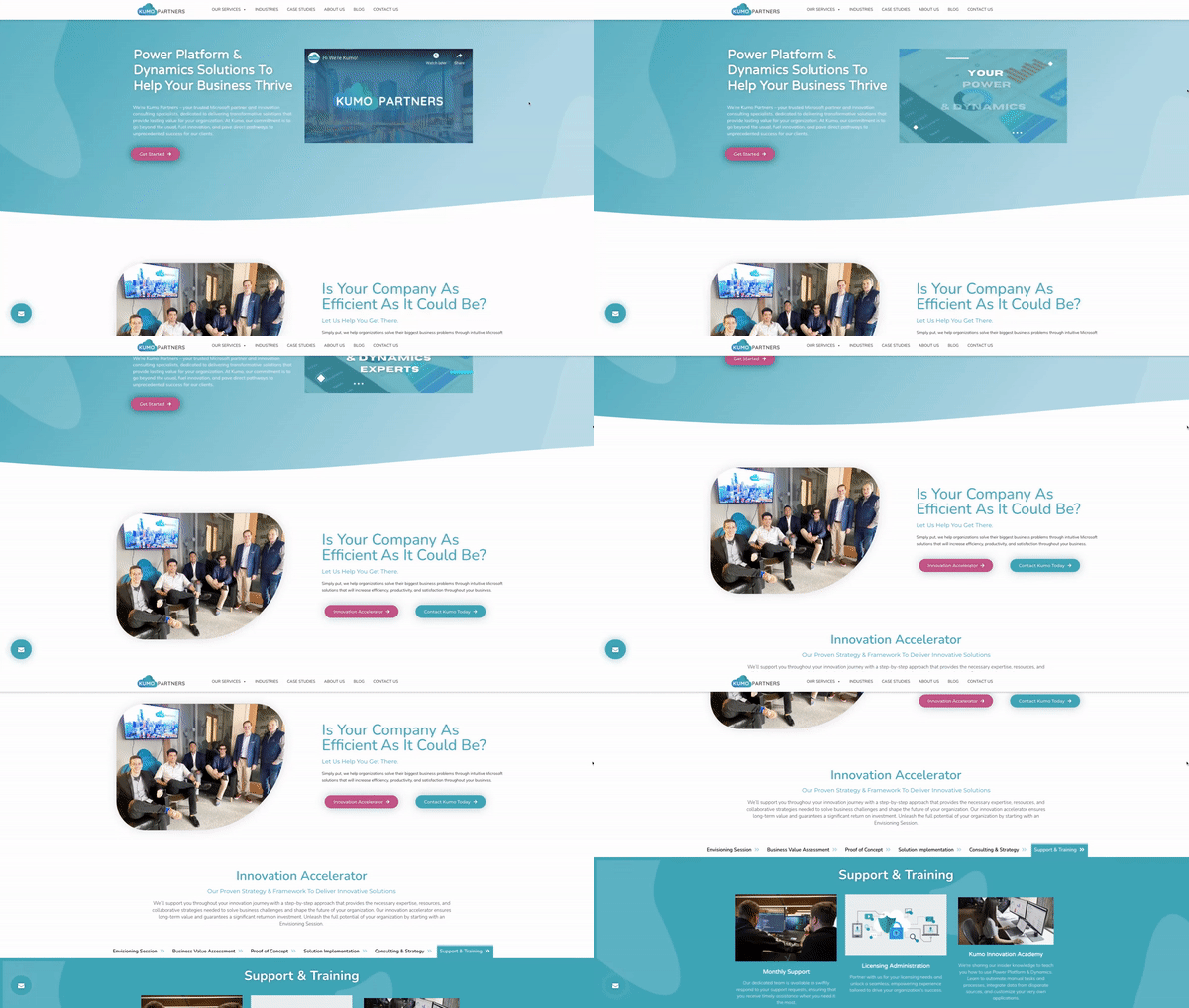
Introducing Kumo Partners’ Fresh New Look!
Our primary focus in our new website was around highlighting our solutions, our distinctive personality, and our exceptional brand
Read →
Streamline Your Business: A Guide to Identifying Processes for Automation
In today’s tech driven environment, streamlining operations to increase efficiency and cost savings is an essential part of almost every job. Automation i
Read →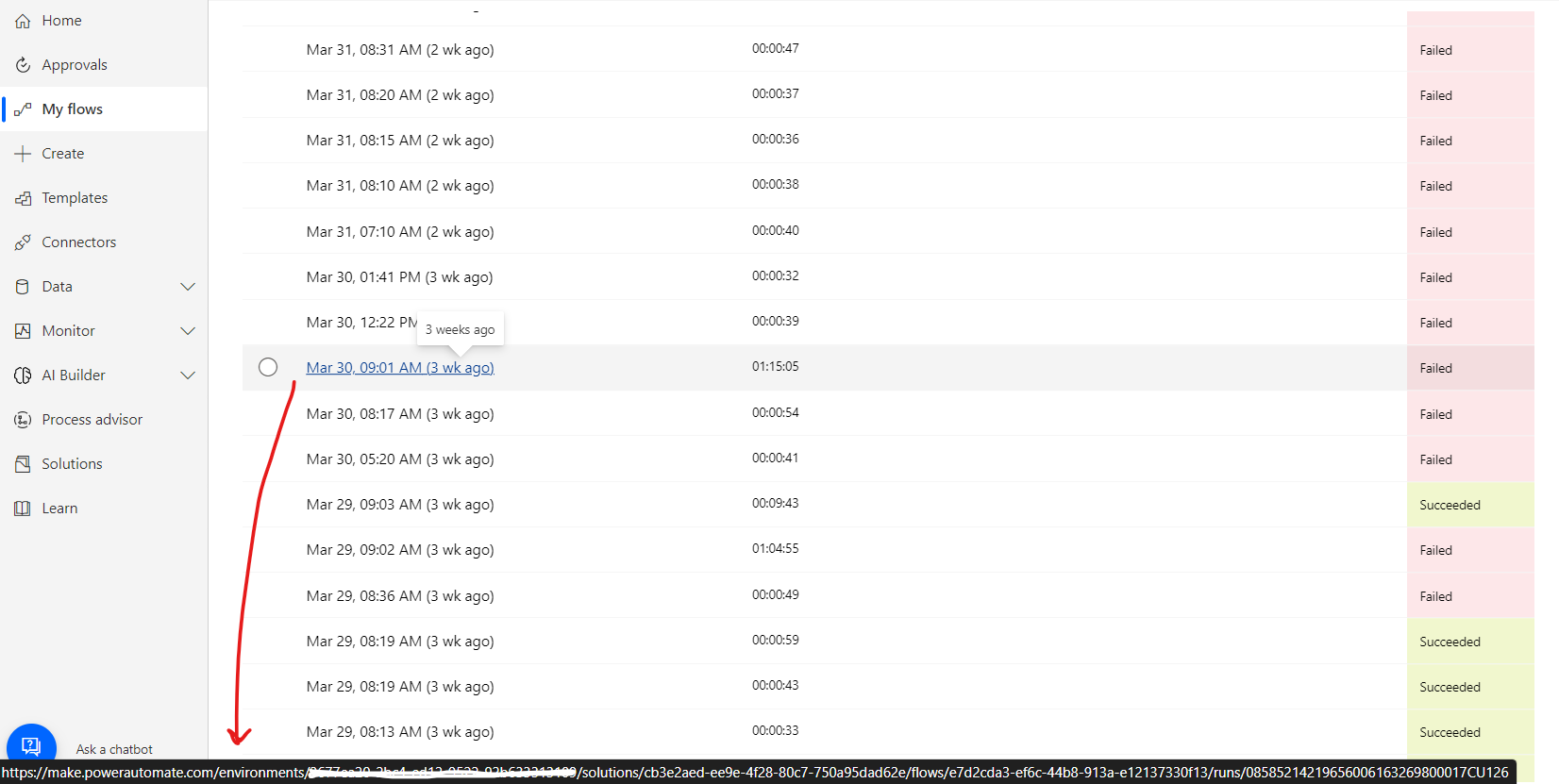
Power Automate: Generate Workflow Run Link
Learn how to generate the link to the power automate workflow run to improve error handling and quickly identify root-cause for errors.
Storm Anderson
How To: Use the PowerApps JSON Function Successfully
Learn how to use the PowerApps JSON function in your development successfully, with examples!
Read →
Kumo Innovation Academy – Launch Announcement!
We are extremely excited to announce the launch of our brand new Power Platform focused training site, the Kumo Innovation Academy!
Read →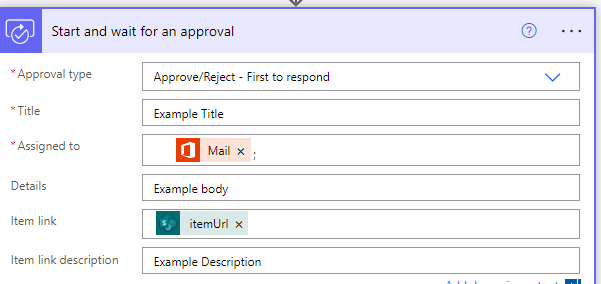
Send a Document to a Manager for Approval with Power Automate and SharePoint
Learn how to send a document to a manager for Approval with Power Automate and SharePoint, to drive efficiency and organization.
Read →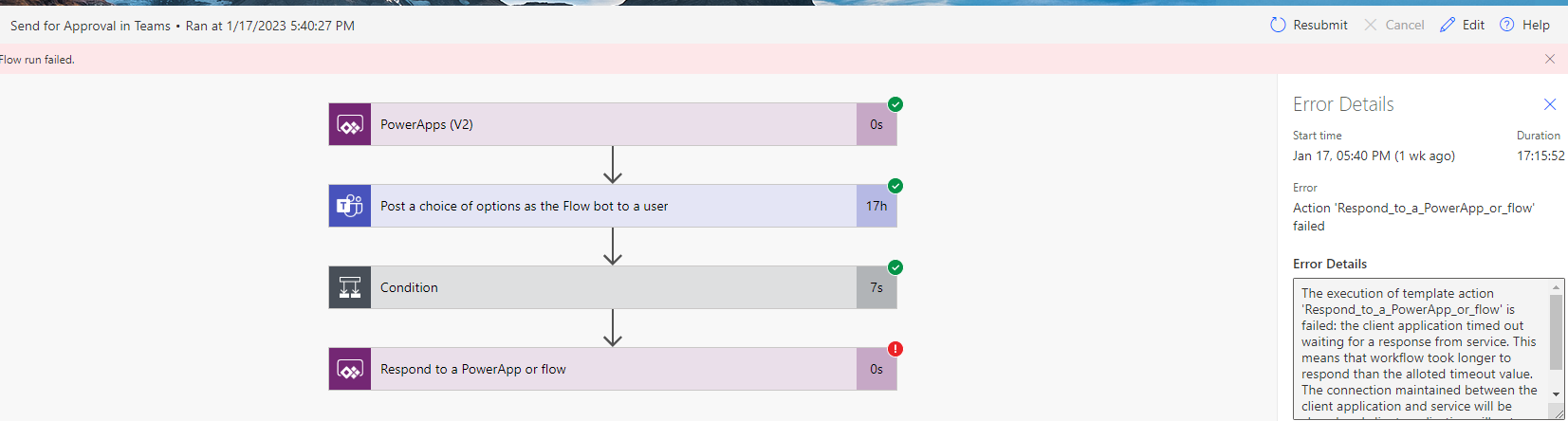
Process of Debugging a Power Automate Workflow
Process of Debugging a Power Automate Workflow - Power Automate
Read →
Use Low Code Automation to Streamline Business Processes
Learn how to quickly implement low code/no code applications to meet today's ever-evolving business requirements.
Read →Clean up your Power FX by dropping explicit Boolean Comparisons
Clean up your Power Fx by Dropping Explicit Boolean comparisons Something I frequently notice when reviewing other developers’ canvas applications is expl
Read →
PowerApps Solution: Multi-Day Event Calendar
PowerApps Solution: Multi-Day Event Calendar Scenario I am working with a client who manages a small group of apartments. The client reserves these apartments o
Read →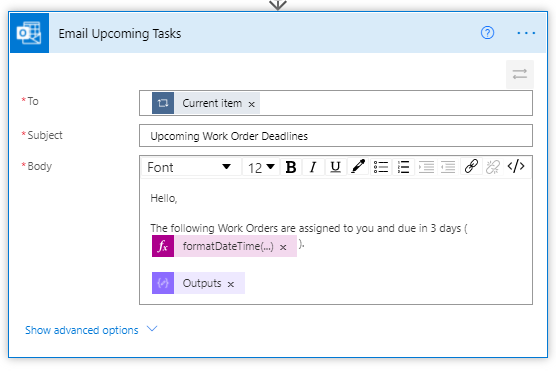
Power Automate Solution: send users an email reminder of tasks due in 3 days
Power Automate Solution: Due Date Reminders Use Power Automate filter queries to get tasks from Dataverse, parse out distinct Assigned To values, build an HTML
Read →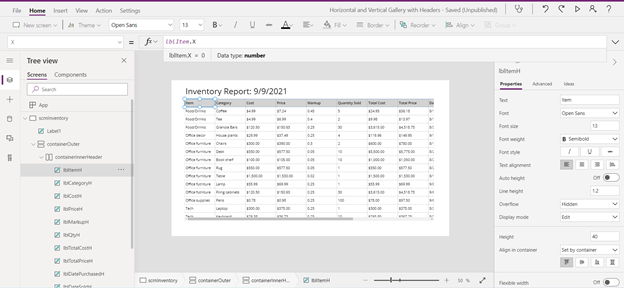
PowerApps tutorial: Vertical and Horizontal scroll Gallery with Headers
Follow along to build a vertically and horizontally scrollable gallery and enhance user experience with column headers.
Read →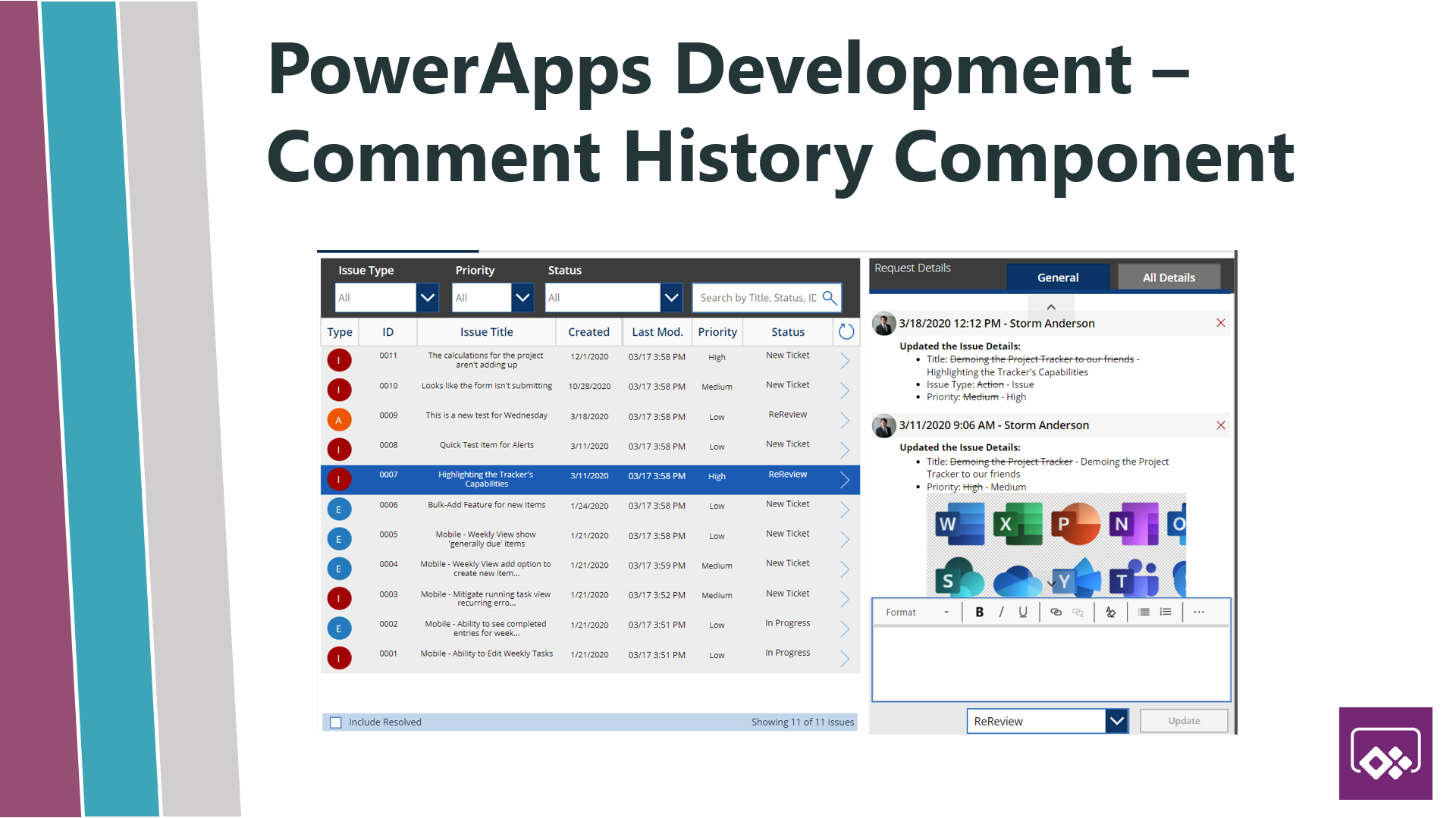
PowerApps Tutorial: Request Tracker – Comment History
This tutorial will show you how to create feature rich comment history components for canvas PowerApps using SharePoint Online.
Storm Anderson
How To: Auto Provision Folders in OneDrive via Power Automate
Walkthrough how to auto provision folder or a folder hierarchy in OneDrive with Power Automate actions.
Read →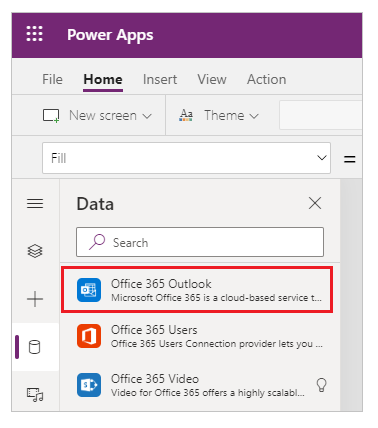
How To: Send SharePoint List Item Attachments as Email Attachments via PowerApps
% % How To: Send SharePoint List Item Attachments as Email Attachments via PowerApps - Kumo Partners - PowerApps
Read →
How To: Create PDF Reports from Power BI via Power Automate
For a long time when Power Automate came out, the integration points with Power BI were not great. Flows were prevented from doing almost anything useful with P
Read →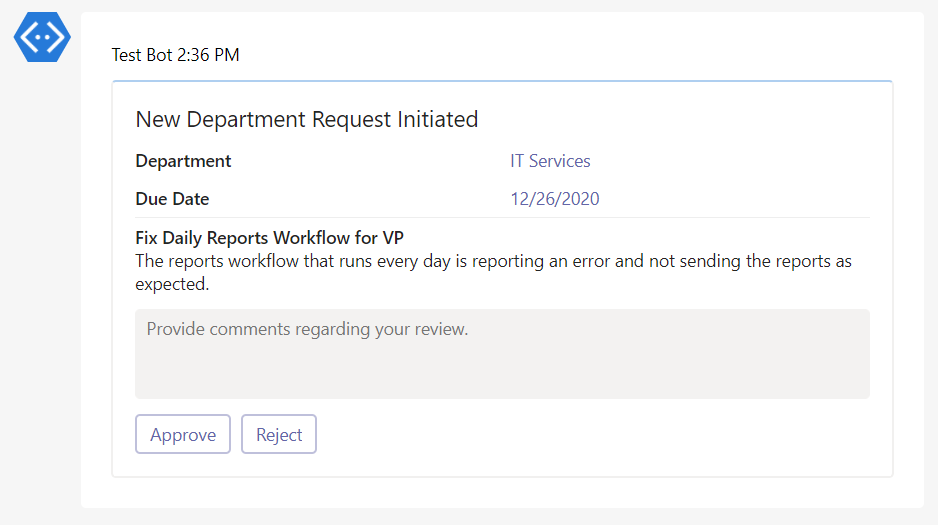
Dynamic Approval Workflow in Teams using Cards
Adaptive cards allow us to create rich interactive messages in teams which can facilitate approvals, questionnaires, and much more.
Storm Anderson
The User Function in PowerApps
Learn how to use the User function in PowerApps and create user focused PowerApps that show information based on the logged in user.
Read →
Sample Power BI Data to Practice With
Practice your Power BI skills with sample datasets and PBIX files. Use sample Power BI data to give yourself a foundation to start off!
Read →
Use Power Automate to Grab Attachments from Microsoft Forms and Upload to SharePoint
Learn how to use Power Automate to grab attachments from Microsoft Forms and upload them automatically to SharePoint.
Read →
How To: Build a Custom Navigation Component in PowerApps
This article teaches developers how to create a custom navigation component in PowerApps that can be reused across many different PowerApps.
Read →
How To: Create a Dialog Modal Form in PowerApps
This blog post explains how to create a dialog modal form inside of PowerApps, allowing the developer to save time and space!
Read →
How To: Create A Custom Component with PowerApps Custom Framework
Start to develop and test your first custom component with the PowerApps Component Framework.
Read →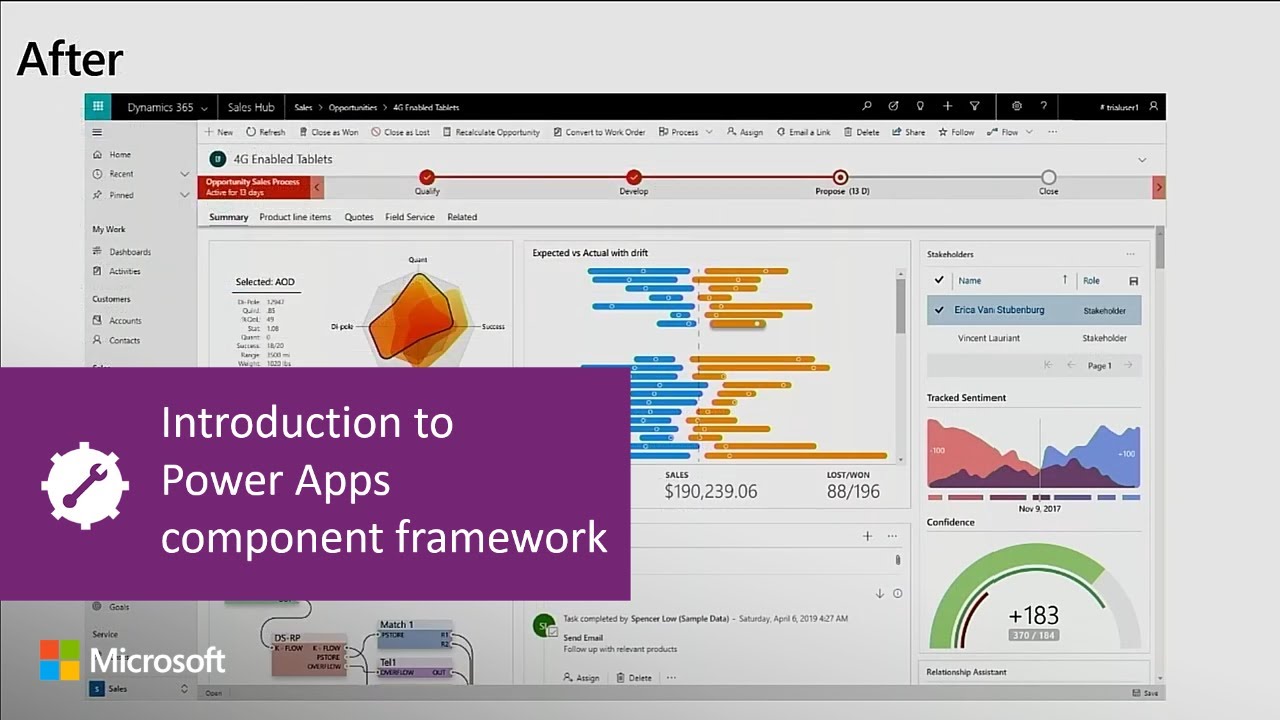
How To: Start Working with the PowerApps Component Framework
Learn how to get setup to start developing using the PowerApps Component Framework to create reusable components across PowerApps.
Read →
How To: Disable Quick Edit in Office 365 SharePoint Online
Learning how to disable the quick edit functionality in a SharePoint Online list for end users, can be a powerful governance tool to ensure data security.
Read →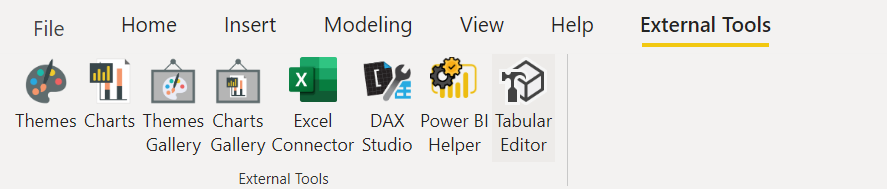
External Tooling in Power BI
Certain pieces of external tooling in Power BI are critical for any Power BI developer, find out which tools we consider essentials!
Read →
Why I Don't Like Measure Tables in Power BI
Measure tables are a commonly used best practice in Power BI that aren't always the best way to organize measures and effects the performance of a report.
Read →
Power BI Map Visuals: Azure Maps vs. ArcGIS vs. Mapbox (2026)
Bing maps are being retired. Compare Azure Maps, ArcGIS for Power BI and Mapbox: setup, layers, cost and support status, and which to use in 2026.
Read →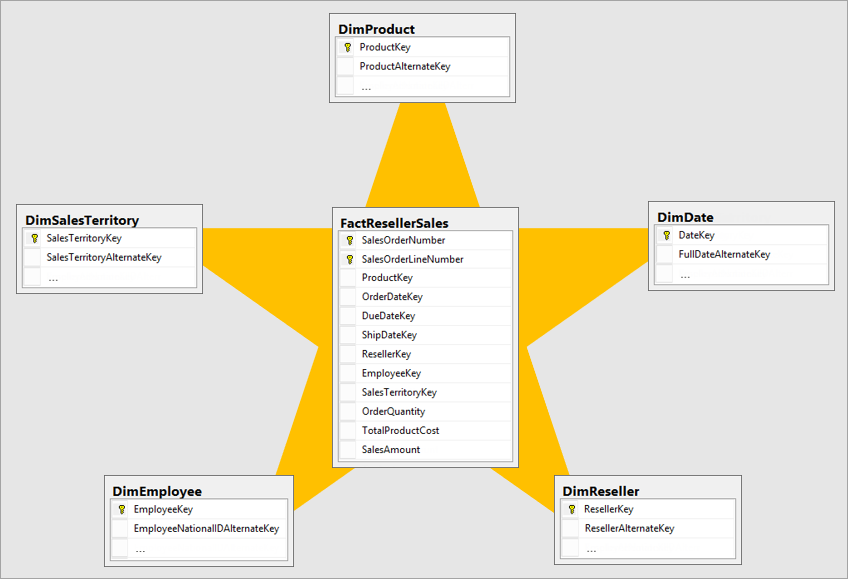
Fact vs. Dimension Tables in Power BI
Fact tables hold the numbers you measure; dimension tables describe them. A worked sales example, how a star schema connects them, and why one big table fails.
Read →
Common SharePoint Intranet Requirements
Many SharePoint corporate intranet requirements are similar despite companies being located across various industries.
Read →
How To: Get Longitude and Latitude via Power Automate
Use Microsoft Power Automate to automatically grab latitude and longitude data for a set of addresses instead of having to manually do it!
Read →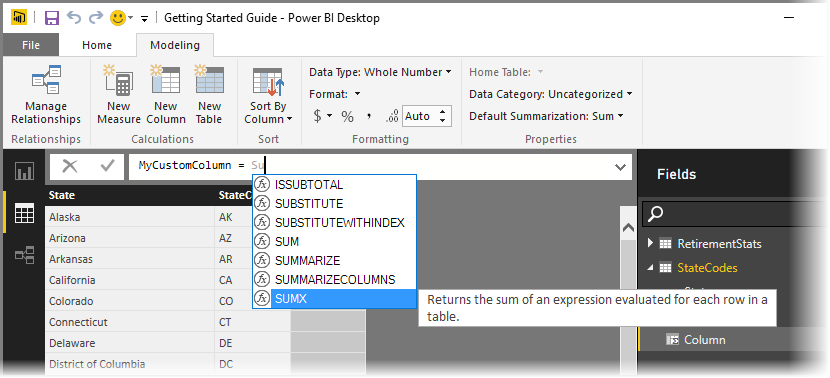
Benefits of Variables in Power BI
If you don't already use variables in Power BI, adding them to your toolbox can be immensely beneficial to the performance of your DAX code.
Read →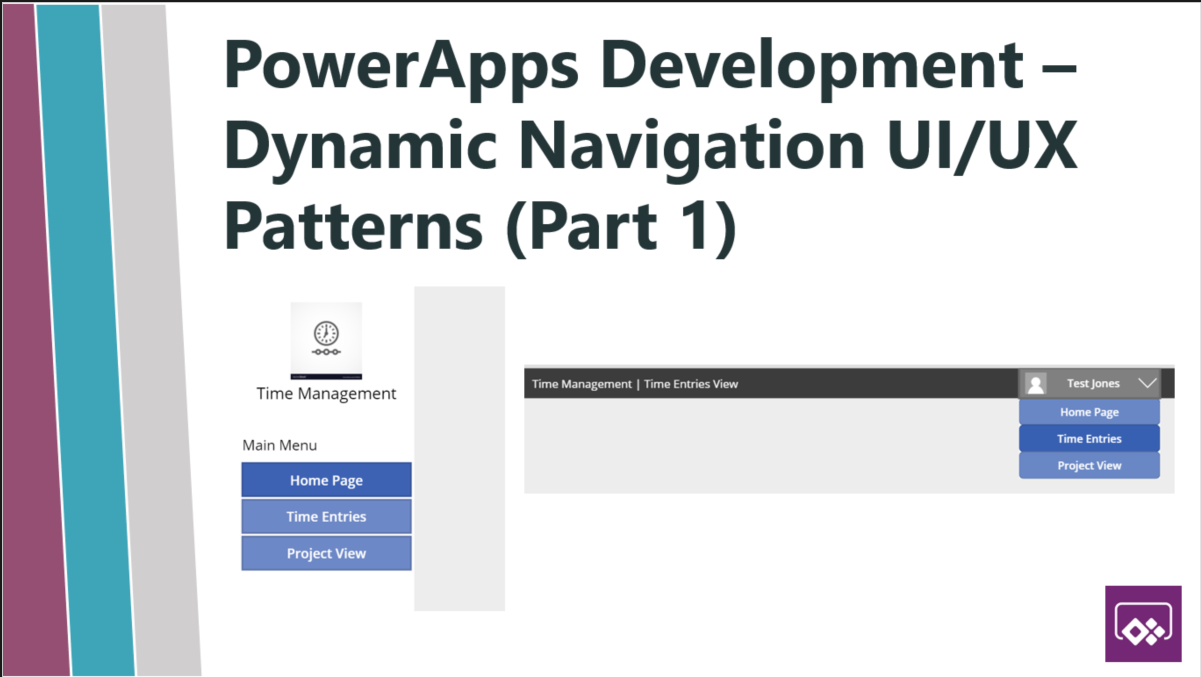
PowerApps Dynamic Navigation Tutorial – Part 1
This tutorial helps users understand how to implement dynamic navigation in PowerApps and provides best practices on UI/UX patterns to navigate your app.
Storm Anderson
4 Easy Ways to Get Started With PowerApps
Here are 4 easy ways to get started using PowerApps that features good use cases to focus on as you are beginning to start using PowerApps.
Read →
How To: Implement Conditional Navigation in Power BI
Add a page dropdown that sends users to the right report page: a navigation table, a single-select slicer and a page-navigation button, with screenshots.
Read →
Power BI Pricing 2026: Pro vs. Premium Per User vs. Fabric Capacity
Premium capacity is retired. Compare Power BI Pro, Premium Per User and Fabric F-SKUs: what each license covers, who needs it, and when capacity pays off.
Read →Date Tables in Power BI
Creating customized date tables in Power BI is a recommended best practice, and helps to give the developer increased control.
Read →How to Add a Power BI Bookmark
Power BI bookmarks are a powerful tool to create dynamic reports and drive a better user experience. Learn how to use Power BI bookmarks to your benefit!
Read →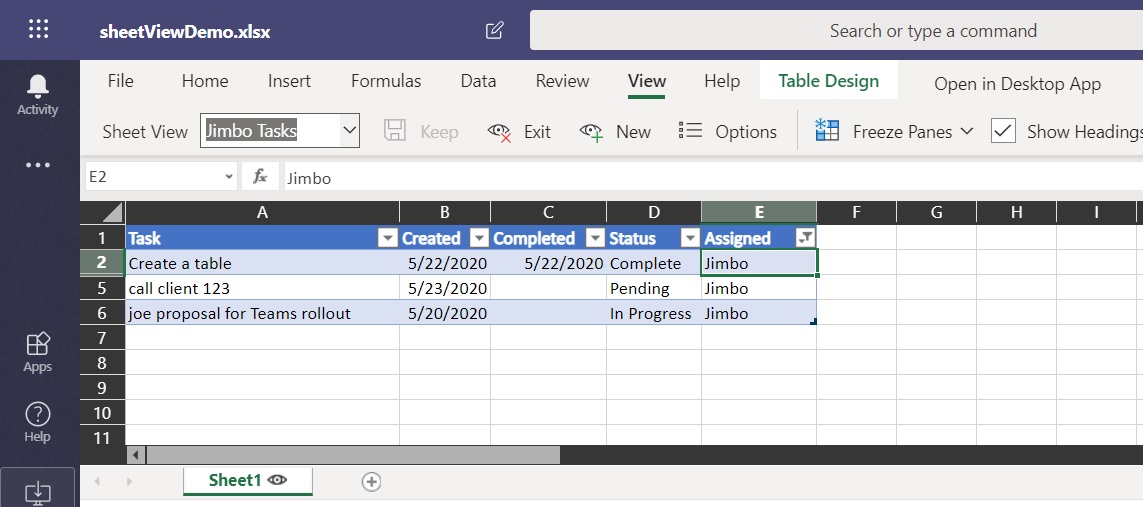
Office 365 Excel – Sheet View Feature
Sheet View is a new Office 365 feature that allows users to filter and search the same excel file without interferring with others views of the data.
Storm AndersonHow To: Enable Preview Features in Power BI
Turn on Power BI preview features in five steps: File > Options and settings > Options > Preview features, then restart Desktop. Screenshot included.
Read →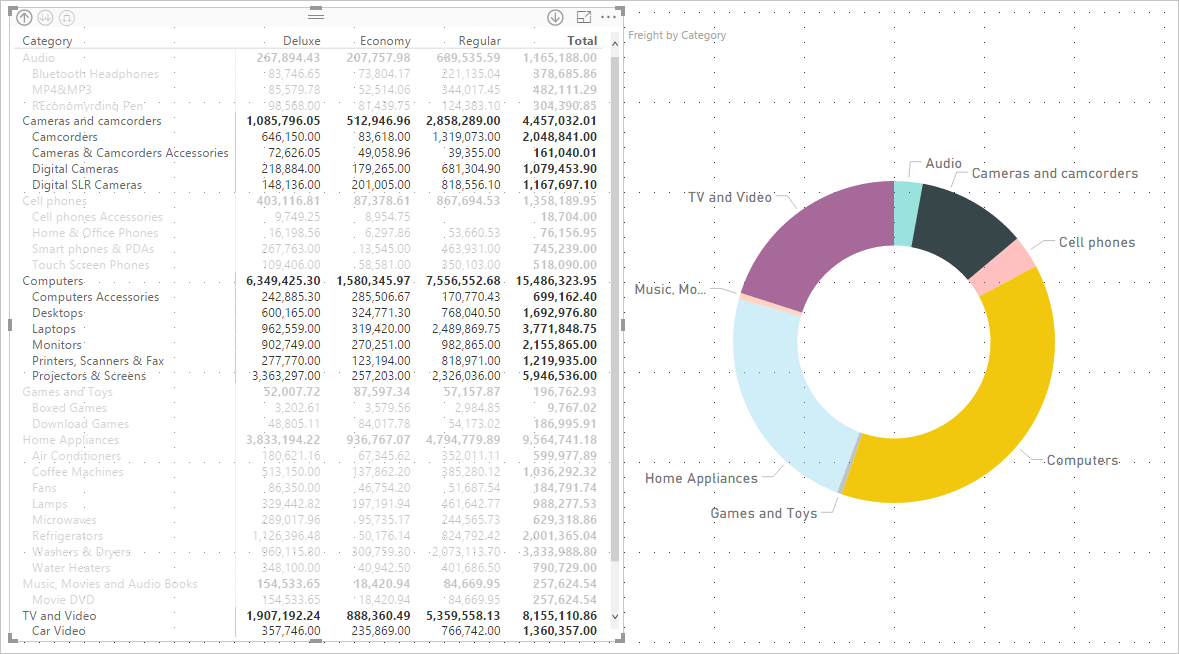
Table vs. Matrix Visualizations in Power BI
A table shows flat rows; a matrix adds row and column groups, subtotals and drill-down, like an Excel pivot table. Here's when each visual is the right pick.
Read →
Use Flow to Automatically Refresh a Power BI Dataset
Automatically refresh a Power BI dataset as a part of your existing Microsoft Flow, rather than having to manually trigger a refresh.
Read →
Multi-Line Field History Log in PowerApps
This guide breaks down how we can utilize the SharePoint multi-line field to create a dynamic data-driven history log in PowerApps using four components.
Read →How To: Use Flow to move SharePoint Pages Between Sites
One of the biggest oversights in modern SharePoint is the inability to transfer files or pages between site collections within the platform itself. Thankfully,
Read →How To: Use Microsoft Flow to Log Work Hours
Log your work hours in an excel spreadsheet automatically by using Microsoft Flow.
Read →How To: Use Flow to back up Microsoft Forms responses in SharePoint
How to build a Microsoft Flow that allows you to store Microsoft Forms responses in a SharePoint list.
Read →How To: Use Microsoft Flow to Capture Tweets and Store Them in a SharePoint List
A step-by-step guide on how to use Microsoft Flow to capture tweets and store them for future use inside of a SharePoint list.
Read →
What is an Office 365 Group?
Learn about how to use Office 365 groups to ease management of user groups and permissions.
Read →What is an Office 365 Group?
Learn about how to use Office 365 groups to ease management of user groups and permissions.
Read →What is Microsoft Flow?
Utilize Microsoft Flow to transform and automate your existing business processes.
Read →What is Microsoft's Common Data Service (CDS)?
Understand what Microsoft's Common Data Service (CDS) is and how it can help transform your business processes.
Read →What is Power BI?
Power BI is one of the most advanced analytic tools on the market today. Use it to create stunning visualizations to track KPIs!
Read →What is PowerApps?
PowerApps is one of the most powerful end user tools available on the market, for users to create their own applications. Learn more!
Read →What is the Office Graph?
The Office Graph is a powerful tool from Microsoft that allows you to view and manipulate user data to transform business processes. Learn more!
Read →What is the Power Platform?
Microsoft's Power Platform consists of PowerApps, Power BI, and Flow. Learn more about the Power Platform and its potential to transform your processes!
Read →Generating PDFs from PowerApps
Ahh PDFs, the document type businesses love and developers hate…especially when the ability to create a PDF using existing data isn’t handled out of
Read →
Components Import Guide
With the introduction of the PowerApps Component Framework, it is now easier and more faster then ever to import and deploy functionality across your apps
Storm AndersonNo posts match those filters.